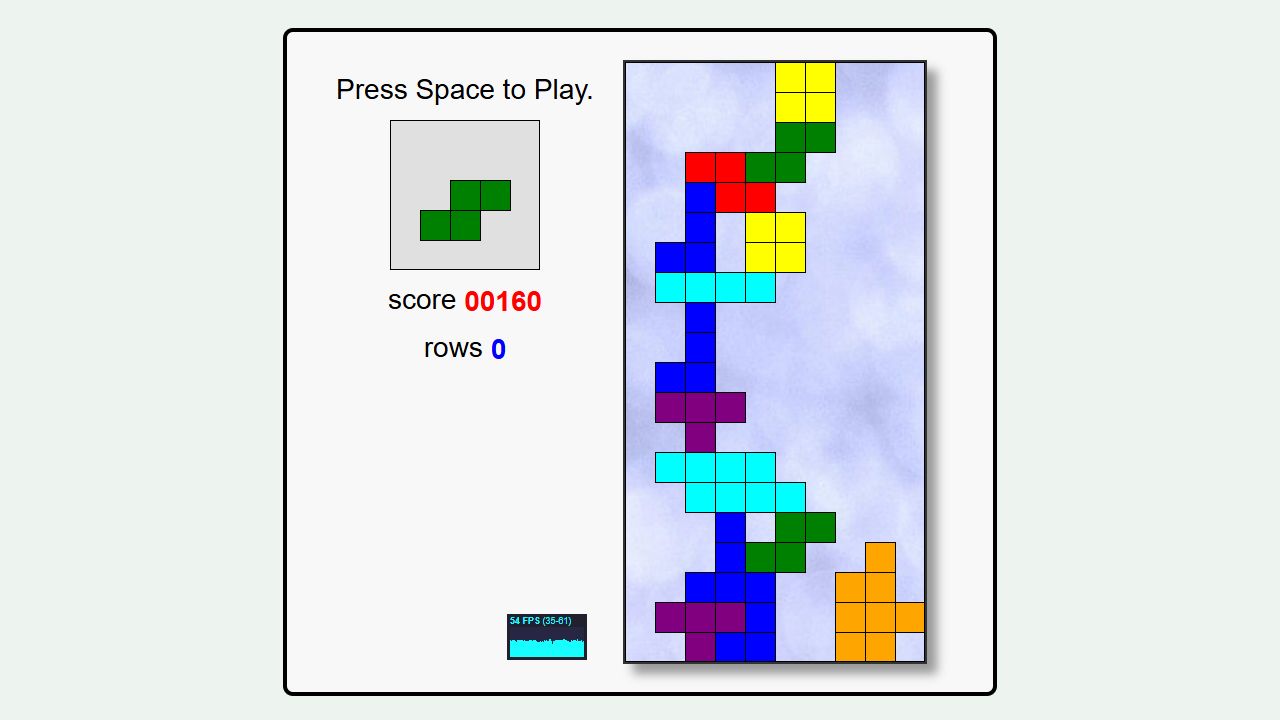
How the game works
Rotate falling pieces, clear complete rows, and manage the rising stack.
Your goal
Clear rows for as long as possible without letting the stack reach the top.
How to play
- Press Space to start or drop a piece.
- Move and rotate each piece while it falls.
- Complete horizontal rows to clear space and increase your score.
Controls
Desktop
Left/Right move, Up rotates, Down soft-drops, Space hard-drops, Esc quits.
Mobile
The pinned upstream version is keyboard-only; use a physical keyboard.
Rules & scoring
- A complete row disappears and makes room above it.
- Pieces lock when they land on the floor or another piece.
- Falling speed rises as more rows are cleared.
Completed rows award points, with larger clears worth more. The score is session-only.
Useful tactics
- Keep the surface flat enough to accept several piece shapes.
- Leave a single deep channel only when saving a long piece for a four-row clear.
- Look at the next-piece preview before committing a rotation.
Questions
Does this need a keyboard?
Yes. This upstream implementation does not provide touch buttons.
Who wrote it?
Jake Gordon and contributors released the project under the MIT License.
Does it save a score?
No. The score resets when the play frame reloads.